7 Brew Rewards Troubleshooting – Fixing Missing Points & Account Errors
Important: sevenbrewmenucoffee.com is an independent fan-run reference site with no affiliation with 7 Brew Coffee Inc. This article cannot access your rewards account, credit points, or resolve account-level issues. For official support, use 7 Brew’s contact channel directly. This article exists because organized rewards troubleshooting content does not exist anywhere else in the 7 Brew content ecosystem – not on competitor fan sites, not organized clearly on 7 Brew’s own pages. Last updated: June 2026.
Most 7 Brew rewards problems fall into a small number of predictable categories, and most of them have a clear resolution path if you know where to look. The frustration usually comes from not knowing which category your specific problem belongs to, because the fix for “wrong phone number entered” is different from the fix for “birthday reward did not appear” which is different from “my points disappeared after a gap in visits.” This article separates those problems and walks through each one sequentially.
Before You Troubleshoot: The Two Things That Cause Most Rewards Problems
Understanding two structural features of 7 Brew Rewards resolves most problems before they reach the troubleshooting stage.
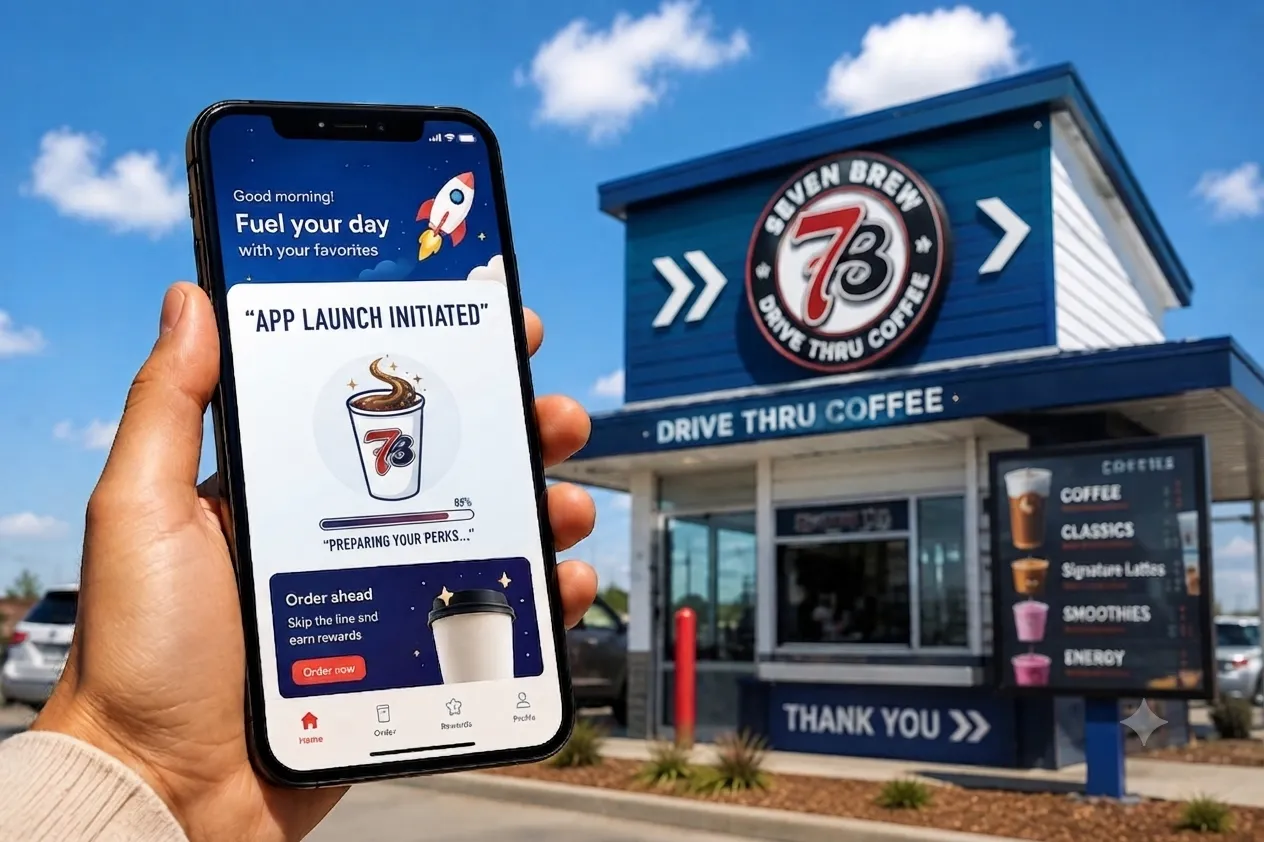
First: there is no 7 Brew app. If you are looking for an app to troubleshoot your rewards, you will not find an official one. The program operates through a phone number at the drive-thru and through the web portal at rewards.7brew.com in any browser. Everything covered in this article – balance checking, birthday setup, account management – goes through that web portal, not an app. See the 7 Brew Rewards program overview for full program background if you need it.
Second: your account is tied to your phone number, not to you as a person. If your phone number changes, your points do not follow you automatically. If you give a different number than usual at the window, you are adding points to a different account. If someone else accidentally gives your number, your account gets their points and theirs does not. Understanding this resolves a significant portion of “my points disappeared” reports that are actually “my points went to the wrong number.”
Problem 1: Points Did Not Post After a Visit
This is the most searched rewards complaint. A customer gives their number, orders their Blondie or Brunette, pays, drives away, and checks their balance later to find no change. Here is the resolution sequence:
- Wait 24-48 hours before investigating. Points do not always post immediately. System processing delays between purchase and account credit are normal. If you checked your balance within an hour of your visit, the points may simply not have posted yet. Check again the next day.
- Verify the exact phone number you gave. Log in to rewards.7brew.com and confirm the number associated with your account matches the number you gave at the speaker. If you gave a different number – even by one digit – your points went to a different account. This is the most common actual cause of “missing points.”
- Check your transaction history in the portal. At rewards.7brew.com, your account should show recent transactions even if points have not yet been credited. If the visit does not appear in your transaction history at all after 48 hours, that is a different problem from a posting delay – it suggests the number entry failed at the location level.
- If the visit does not appear, contact 7 Brew support. Have your visit details ready: the date, approximate time, the specific location (address), your phone number, and your order. 7 Brew’s corporate support team can investigate whether the transaction was processed and whether points can be manually credited. Use the 7 Brew contact page as your starting point for official contact information.
What a franchise location employee can and cannot do: A location employee can confirm that they entered your number during your visit and can note the issue for their records. They typically cannot manually credit points to your account from the location level – the rewards system credit pathway for missing points requires corporate-level system access. Do not expect a location employee to resolve a missing points issue at the window; escalate to corporate support.
Problem 2: Phone Number Not Recognized at the Drive-Thru
If the location’s system cannot find your phone number when you provide it at the speaker, the most likely causes in order of probability are:
- You are giving a different number than your account is under. If you recently changed phone numbers, your account is under the old number. The new number is unrecognized because no account exists under it yet. Try giving the old number to confirm whether the account is there.
- Your number was entered with a typo at a previous visit. If your account was created with an incorrectly entered number, the correct number will not be found. Log in to rewards.7brew.com with what you believe your number to be and verify the account exists. If the log-in does not work, the number on file may differ from what you think.
- A connectivity issue at the specific location. If the location’s system is having a connectivity problem, it may not be able to look up any accounts in real time. The barista may still be able to note your number for manual entry later, or you can visit the portal after your visit to verify the issue.
- Your account may have been deactivated due to inactivity. An extended absence from 7 Brew can trigger account dormancy. See the expiration section below for more detail.
The resolution for an unrecognized number that you believe is correct: log in to rewards.7brew.com directly and confirm the account state. If the portal also does not recognize the number, your account may be dormant or may have been created under a different number. Contact 7 Brew support with your details for account investigation.
Problem 3: Birthday Reward Did Not Appear
This is the rewards problem that generates the most frustrated customer searches, and it is almost entirely preventable with advance setup. The critical misconception: showing up at 7 Brew on your birthday does not automatically trigger the birthday reward. The birthday reward requires:
- Your birthday must be registered in your rewards.7brew.com profile. Log in to the portal, find your profile or account settings, and confirm a birthday date is stored. If no birthday is stored, the system has no way to know when to issue the reward.
- You must register your birthday well in advance. Based on community-reported experience (labeled here as community observation, not confirmed policy), there may be a minimum lead time between birthday registration and the first birthday reward activation. If you add your birthday a few days before it, the reward may not be available. Add your birthday at least 30-60 days before it occurs.
- The reward may not appear instantly on your birthday morning. Check your rewards.7brew.com balance around your birthday date. The reward may post at a specific time rather than at midnight.
If your birthday has passed and the reward never appeared: Contact 7 Brew support directly. A franchise location cannot retroactively issue a birthday reward that the system did not generate. Corporate support can investigate whether your birthday was registered correctly and whether a retroactive reward is possible under current policy. Have your phone number and account details ready when you contact them.
For next year: Log in to rewards.7brew.com now, confirm your birthday is in your profile, and set a personal reminder several weeks before your birthday to check that the reward has appeared in your account before your actual birthday date.
Problem 4: Phone Number Changed – Recovering Your Points
This is the highest-stakes rewards problem because it involves accumulated value that can be permanently lost if not handled correctly. If you have already changed your phone number without migrating your rewards account, here is what to do:
- Do not panic – accounts are not automatically deleted when a number changes. Your old account under your previous number likely still exists in 7 Brew’s system. The balance is still there; you just cannot access it under the new number.
- Contact 7 Brew corporate support immediately. Provide both your old phone number and your new phone number. Explain that you changed numbers and want to migrate your accumulated points. This is a corporate-level account migration that requires system access a location employee does not have.
- Have any supporting information ready. The more information you can provide to verify you are the legitimate owner of the old account – visit history, approximate point balance, most visited location – the easier the migration process will be.
- Act quickly. If both numbers are inactive for an extended period, the inactivity expiration clock runs on the old account. The sooner you request migration after a number change, the better the likelihood of successful recovery.
If you have not changed your number yet but are planning to: Do this before the change: log in to rewards.7brew.com with your current number, note your exact point balance, and contact 7 Brew support proactively to request account migration before the old number deactivates. This is significantly easier to execute before the change than after.
Problem 5: Points Expired Due to Inactivity
7 Brew Rewards has an inactivity-based expiration policy – accounts that have not had a qualifying transaction in a defined period may have their accumulated points expire. As of June 2026, the specific inactivity period that triggers expiration is not consistently stated in publicly accessible official materials. Based on community observation (labeled as community observation, not confirmed policy), members have reported expiration occurring after varying periods of inactivity ranging from several months to over a year.
The authoritative source for current expiration policy is rewards.7brew.com and 7 Brew’s official terms. Do not rely on a specific timeline from this article or any other secondary source – verify the current policy at the portal.
If your points have expired:
- Log in to rewards.7brew.com and confirm the balance is showing zero or lower than expected
- Contact 7 Brew corporate support and explain that your points appear to have expired during an inactivity period. Request information on whether reinstatement is possible under current policy – some programs allow one-time reinstatement requests, others do not
- If reinstatement is not available, resume visits and re-accumulation from the current position
To prevent future expiration: Make at least one qualifying visit and provide your phone number every few months, even if you are not a frequent regular visitor. A single visit every few months is typically sufficient to keep an account active – but verify the specific policy for the current inactivity window at rewards.7brew.com.
Problem 6: Reward Available But Cannot Be Redeemed at the Window
If your balance shows a reward available at rewards.7brew.com but the location’s system is not applying it when you provide your number, the issue may be in one of several areas:
- Minimum threshold not fully reached: Verify in the portal that your balance has actually reached the redemption threshold. If the portal shows your balance but the threshold indicator shows you have not yet earned a reward, you may be misreading the balance display.
- Location connectivity issue: If the location’s system cannot communicate with the rewards backend in real time, it may not see your available reward even when it exists. Ask the barista to try again or visit a different location where connectivity may be better.
- Reward terms and qualifying items: Some rewards may have restrictions on which drinks they apply to. A very inexpensive item (like a Pup Cup) or a non-beverage item may not qualify. Verify that you are ordering a qualifying item for your reward redemption.
- Escalation path: If the reward is clearly available in the portal and the location system is not applying it, contact 7 Brew corporate support with your visit details and portal screenshot documentation. This is a system-level issue that a location employee cannot resolve.
The Troubleshooting Decision Matrix
| Your Problem | First Check | If That Fails | Who Can Fix It |
|---|---|---|---|
| Points did not post after visit | Wait 48 hours; verify the exact number you gave | Check transaction history at rewards.7brew.com | 7 Brew corporate support (not location employee) |
| Phone number not recognized | Try old number; log in to portal to verify account | Check if account is under slightly different number | 7 Brew corporate support for account location |
| Birthday reward did not appear | Check that birthday is registered in portal profile | Was birthday added at least 30+ days in advance? | 7 Brew corporate support; location cannot override |
| Changed phone number, points lost | Old account still exists under old number | Contact corporate with both numbers for migration | 7 Brew corporate support only |
| Points appear expired | Confirm at portal; check last qualifying visit date | Contact support to ask about reinstatement policy | 7 Brew corporate support; policy-dependent |
| Reward available but not applying | Verify threshold is genuinely reached in portal | Try at a different visit or location | 7 Brew corporate support with portal screenshot |
How to Reach 7 Brew Support for Account-Level Issues
For all rewards problems that require corporate-level resolution – missing points after 48 hours, birthday reward failures, phone number migration, expiration disputes, and reward application failures – the appropriate resolution path is 7 Brew’s official contact channel. The 7 Brew contact page provides the official contact options.
When contacting 7 Brew support, include the following in your initial message to avoid back-and-forth delays:
- Your phone number (the one associated with your rewards account)
- The specific problem you are experiencing (be precise – “points from June 15 visit at [location] did not post”)
- The date, time, and location of any visit that relates to the issue
- A screenshot of your rewards.7brew.com account status if the issue involves a balance discrepancy
- For phone number changes: both the old and new number
- For birthday reward issues: the birthday date registered (or that you believe should be registered) and the date you expected the reward
Do not contact the individual franchise location for corporate-level rewards issues. The location employee works within the system as presented to them and has no system access to credit points, migrate accounts, or override birthday rewards that did not generate automatically. This is not a reflection on location staff – it is a structural feature of how franchise systems implement loyalty programs. The resolution path goes through corporate, not through the drive-thru window.
- Checking your balance at the speaker and expecting real-time confirmation: The drive-thru system at 7 Brew is not a self-service kiosk for checking your rewards balance. The barista can confirm they entered your number, but cannot tell you your balance, confirm point posting, or verify reward availability with the same precision as the rewards.7brew.com portal. Check your balance at the portal, not at the window.
- Waiting weeks before investigating missing points: The shorter the gap between a problem visit and a support contact, the more information 7 Brew’s system has available for resolution. If you suspect points did not post, check within 48 hours and contact support within a week rather than discovering the issue months later.
- Changing phone numbers without migrating the account and then waiting months to notice: The longer the gap between a phone number change and an account migration request, the more likely the old account has accumulated inactivity risk. Contact support as soon as possible after a number change – do not wait until you are ready to redeem a reward to discover the migration was never done.
- Assuming a location employee can resolve a corporate-level issue: This is the most common source of customer frustration. When a barista says “I can’t do anything about that,” they are being accurate – they genuinely cannot credit points or migrate accounts from the location system. The resolution path is corporate support, not persistence at the window.
- Not registering your birthday in the portal until the week of your birthday: If there is any minimum lead-time requirement for birthday reward activation (community-reported, not confirmed policy), adding your birthday the week before ensures the reward will not be available. Add it now and verify it is stored.
Related Articles
- 7 Brew Rewards Official Page – current program terms and the official portal link
- 7 Brew Contact Page – official support channel for account-level rewards issues
- 7 Brew FAQs – official answers to common questions about the rewards program
- 7 Brew Jackpot Day – the promotional event that runs alongside (not through) the rewards program
- 7 Brew News Blog – where any rewards program updates or changes are covered when announced
Frequently Asked Questions
Why did my 7 Brew rewards points not post?
Wait 48 hours first – posting delays are normal. After 48 hours, log in to rewards.7brew.com and verify the number on your account matches the exact number you gave at the speaker. If the visit does not appear in your transaction history after 48 hours, contact 7 Brew corporate support with your visit details. A location employee cannot manually credit missing points.
What happens to my 7 Brew rewards if I change my phone number?
Your points stay under your old phone number and do not transfer automatically. Contact 7 Brew corporate support as soon as possible with both your old and new numbers and request account migration. The longer you wait after the number change, the more risk of inactivity expiration on the old account before migration is complete.
Why did my 7 Brew birthday reward not work?
Most commonly because the birthday was not registered in the rewards.7brew.com profile in advance – or was registered too close to the birthday date. Log in to the portal, check whether a birthday is stored in your profile, and contact 7 Brew corporate support if you believe the reward should have appeared but did not. A franchise location employee cannot manually issue a birthday reward.
How do I check my 7 Brew rewards balance?
Visit rewards.7brew.com in any browser on any device – phone, tablet, or desktop. Log in with your phone number to see your current balance and transaction history. There is no 7 Brew mobile app for balance checking. Creating a home screen bookmark to rewards.7brew.com on your phone makes this as quick as opening an app.
Do 7 Brew rewards points expire?
Yes – the program has an inactivity-based expiration policy. The specific inactivity period is not consistently confirmed in publicly accessible official materials as of June 2026. Verify the current policy at rewards.7brew.com. Making at least one qualifying visit every few months should maintain account activity, but confirm the current expiration window with 7 Brew’s official terms.
Can a location employee fix my rewards account?
For most account-level issues – missing points, birthday reward failures, phone number migration, expiration disputes – no. Franchise location employees work within the system as it presents to them and do not have system access to credit points, migrate accounts, or override programmatic reward generation. These issues require 7 Brew corporate support, accessible through the 7 Brew contact page.
Final Note: What This Site Can and Cannot Do
This article is the most organized external guide to 7 Brew rewards troubleshooting available anywhere – no competitor fan site has covered these problems with this level of specific resolution guidance. But it has a clear limitation: this site cannot access your account, credit points, or contact 7 Brew on your behalf. The troubleshooting paths above give you the right steps to take and direct you to the parties who can actually resolve each type of problem.
For any issue that requires account access or system-level resolution: use 7 Brew’s official contact channel. For ongoing program information and updates: check rewards.7brew.com and the 7 Brew news blog. This site covers confirmed program changes as they are announced.
sevenbrewmenucoffee.com is an independent fan site not affiliated with 7 Brew Coffee Inc. Last verified June 2026.